ShopDreamUp AI ArtDreamUp
Deviation Actions


Suggested Deviants


Suggested Collections


You Might Like…



Description
About
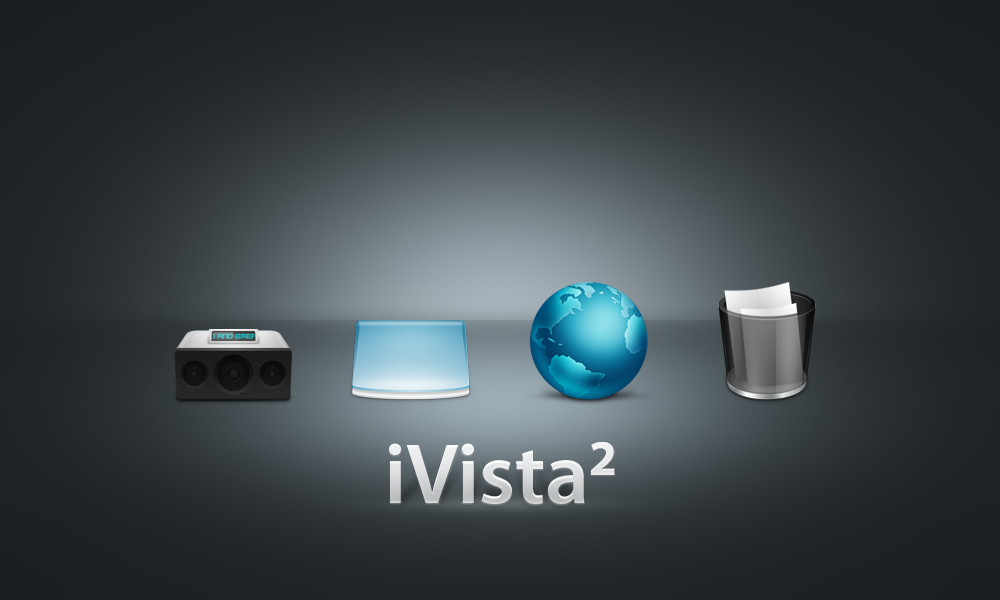
iVista 2 IconPackager is based on gakuseisean's iVista 2 PNGs found here: [link]
Special Thanks
Thanks to gakuseisean for giving me permission to port them to IconPackager.
Extra Info
In the zip file I have included both the IconPackager file and 2 alternate icons just for an alternate look if you so desire it (both from gakuseisean's iVista 2 PNGs of course):
1. Alternate "My Computer" icon
2. Alternate "CD-Rom Drive" icon
Instructions for replacing icons
- Simply unzip and double click on the IconPackager file to install or open up IconPackager and install from there.
- To replace the My Computer icon with the alternate one included open up IconPackager, look for iVista 2 theme and load it. Then go to Icons and Cursors (tab on left) -> Desktop (tab on top) -> and drag and drop the alternate My Computer icon over the current one and click Apply.
- To replace the CD-Rom icon with the alternate one included open up IconPackager, look for iVista 2 theme and load it. Then go to Icons and Cursors (tab on left) -> Drives (tab on top) -> and drag and drop the alternate CD-Rom Drive icon over the current one and click Apply.
If anybody has any trouble or suggestions for this IconPackager file let me know.
iVista 2 IconPackager is based on gakuseisean's iVista 2 PNGs found here: [link]
Special Thanks
Thanks to gakuseisean for giving me permission to port them to IconPackager.
Extra Info
In the zip file I have included both the IconPackager file and 2 alternate icons just for an alternate look if you so desire it (both from gakuseisean's iVista 2 PNGs of course):
1. Alternate "My Computer" icon
2. Alternate "CD-Rom Drive" icon
Instructions for replacing icons
- Simply unzip and double click on the IconPackager file to install or open up IconPackager and install from there.
- To replace the My Computer icon with the alternate one included open up IconPackager, look for iVista 2 theme and load it. Then go to Icons and Cursors (tab on left) -> Desktop (tab on top) -> and drag and drop the alternate My Computer icon over the current one and click Apply.
- To replace the CD-Rom icon with the alternate one included open up IconPackager, look for iVista 2 theme and load it. Then go to Icons and Cursors (tab on left) -> Drives (tab on top) -> and drag and drop the alternate CD-Rom Drive icon over the current one and click Apply.
If anybody has any trouble or suggestions for this IconPackager file let me know.
© 2008 - 2024 MrEyePatch
Comments30
Join the community to add your comment. Already a deviant? Log In

live folder version? pretty please